Getting started
From an empty account to your first order in about ten minutes. You can do all of it on your phone.
What Lumina does for your shop
One link for everything you sell
Photos, prices and details on one page that opens on any phone. Grid, full specs, one by one, or a page-turning book.
Share it anywhere
WhatsApp, your status, Instagram, TikTok, X, or a QR code with your logo for the shop wall and flyers.
Quotes and invoices
Buyers pick quantities and send you a request. You turn it into a quote or an invoice with your letterhead and a pay link.
Stamps and signatures
Design your company stamp, add your signature, and stamp PDFs that anyone can check are genuine.
Stock you can trust
Goods in, goods out, stock with partners and a stock card for every product, so you know what is where.
Your team
Invite staff and marketers. Each person sees only what their job needs, and marketers can track their commission.
Attendance
Staff check in at the shop with their phone. On the Android app the shop Wi-Fi confirms they are really there.
Made for services too
Installers, mechanics, cleaners, caterers and others list jobs with "From ₦25,000 per visit" pricing and take bookings.
1Make your account
Open catalog.luminaleads365.com and press Try free. Sign in with Google, or type your email and we send you a one-time code. There is no password to remember. On the Free plan you never need a card.
If a friend gave you their code, enter it when you choose a plan and your first payment is cheaper.
2Create your catalogue
Give it a name your customers know, like your shop name, and pick your type of business. The type decides which details each product asks for: an electrical shop gets watts and volts, a clothing shop gets sizes and colours, and a service business gets areas covered, how soon you can start and what is included.
You can start with a few example products for your trade and edit them, or start empty.
- ✓Create
- 2Add products
- 3Publish
- 4Send the link
3Add your products
Press Add product, take a photo or pick one, and press AI auto-fill to draft the name and details from the picture. Check what it wrote, add your price, and save. Have a long list already? Use Import my products to bring in a spreadsheet.
Prices are yours to control: show them, hide them, or keep a separate wholesale list that only the people you choose can open.
Pech Solar Panel 100W
PECH-PANEL-100W · ₦28,000
4Publish
A catalogue is a draft until you press Publish. Until then the link shows “page not found” to everyone, so publish before you send it.
My Shop Price List
electrical · 18 products · Live
5Share the link
Press Share and choose which price list this person should see. Send it on WhatsApp, post it on your status, put it in your bio, or print the QR code for your shop. The same link opens on any phone with nothing to install.
Share this as
Customers buying one or a few. See it as they will →
6Take your first order
When a buyer presses Request a quote, picks quantities and sends it, the request lands in your Inbox and they can message you on WhatsApp straight away. Reply with a proper quote or invoice that carries your letterhead, stamp and a pay link.
What your customers see
These are real screens from a live catalogue, on a phone. Your customers do not need an account or an app.
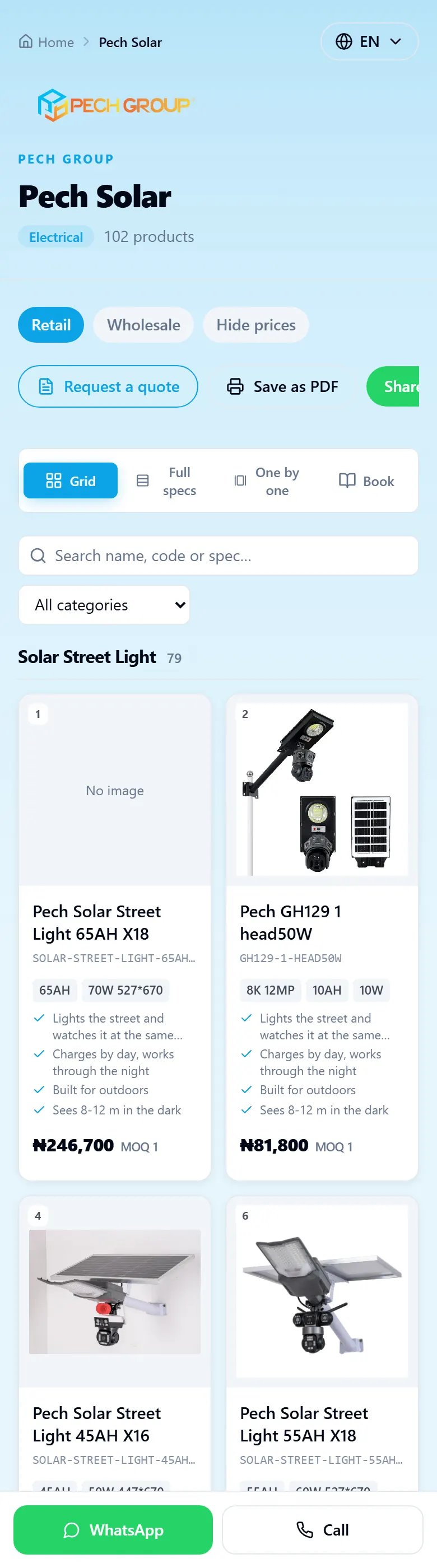
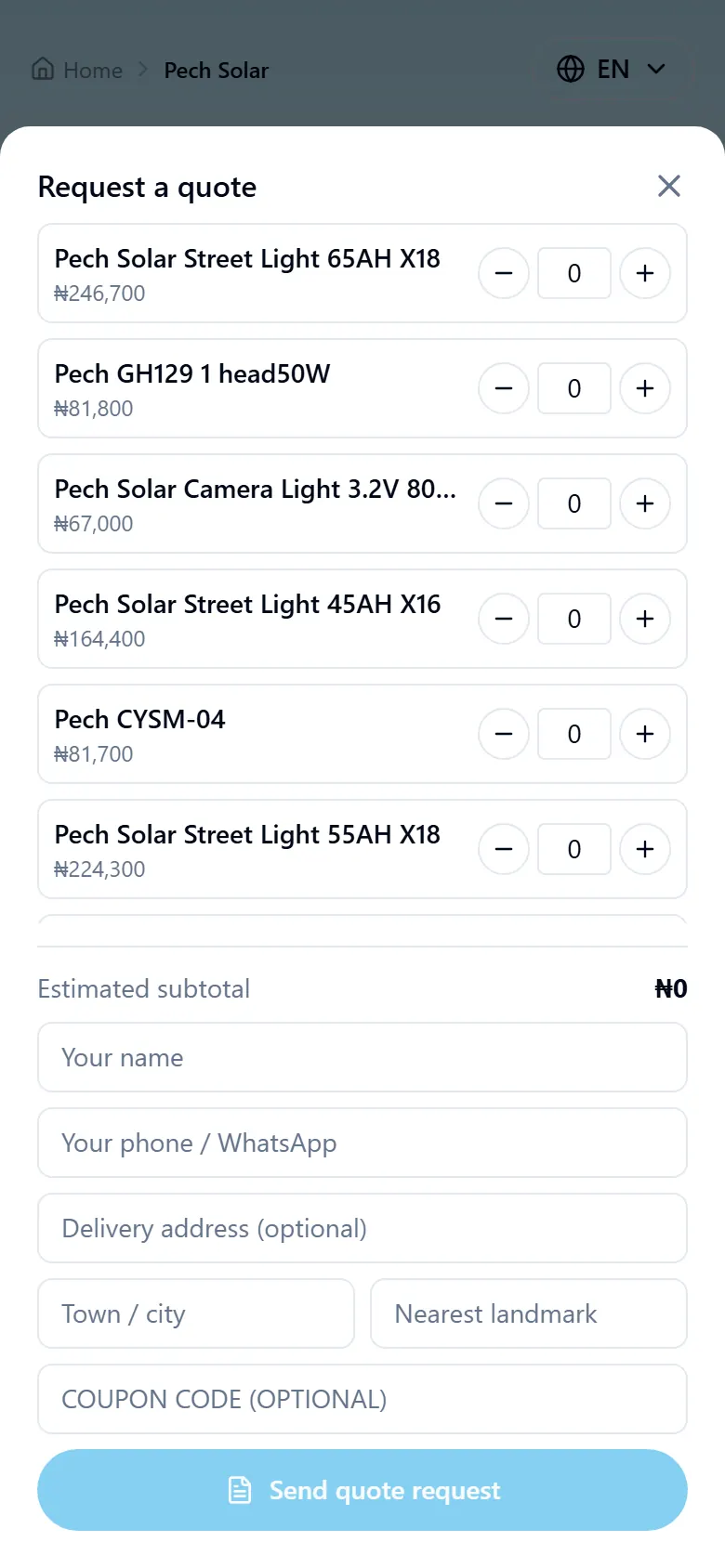
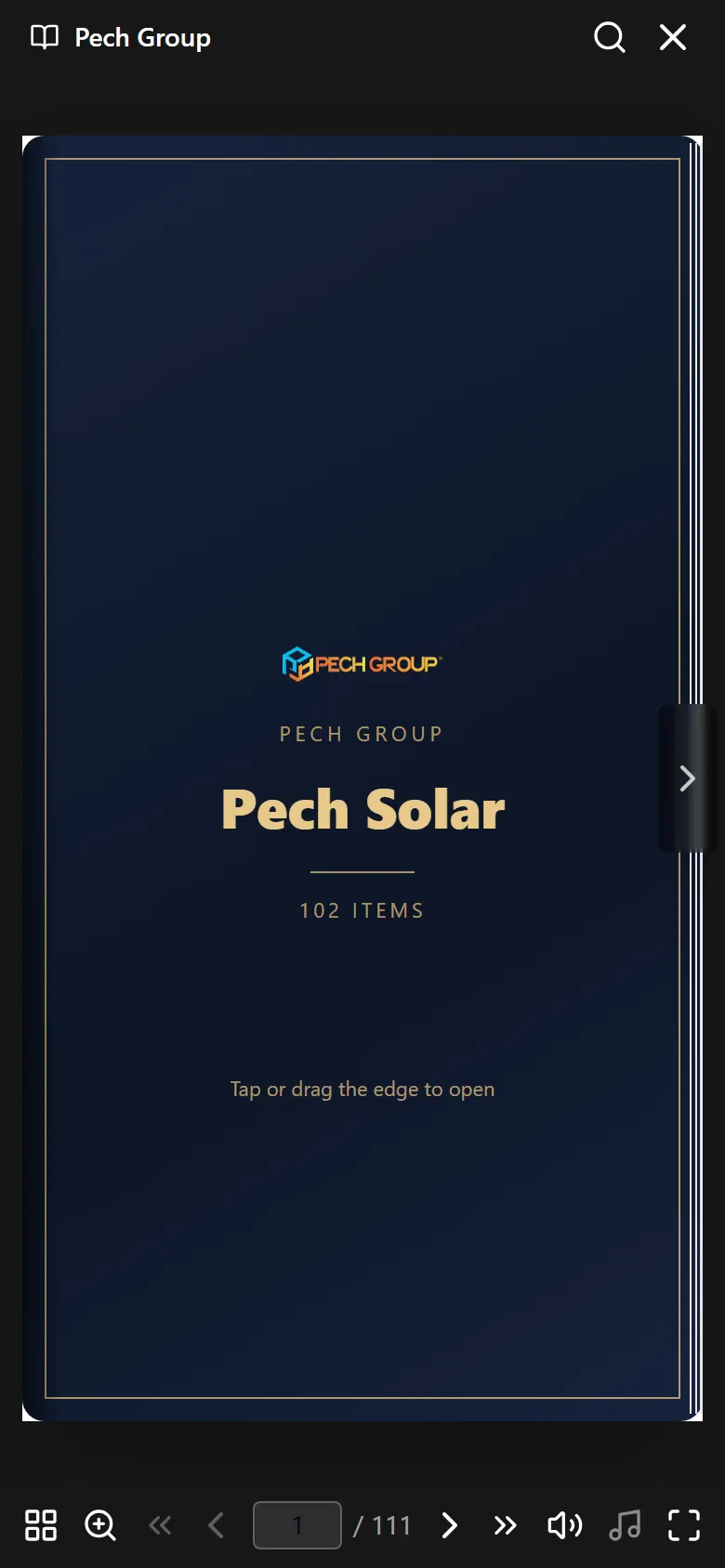
Next
Plans and subscriptions
What each plan gives you, the free week, and how to change or stop.
How to pay
Card, bank transfer or USSD, step by step, and fixes for card problems.
Earn with Lumina
Invite other shops and earn cash on what they pay.
Stuck on something? Press Get help at the top of this page and message us on WhatsApp. A person answers.